
Designing digital products, services and experiences at scale is a complicated process. There are various user centred design philosophies available to help put a structure around the design process, all of which follow a similar structure.
I try to follow the double diamond approach to design thinking where possible. It was developed by the British Design Council and the process consists of four phases: discover, define, develop, and deliver.
It's important to note that this is not a linear process, and the different phases may overlap or be iterated multiple times as the design team works to refine and improve a design.
It is also worth noting that sometimes ideas can (and do) just appear from inspiration and the freedom to think creatively without the constraints of following a rigid process.
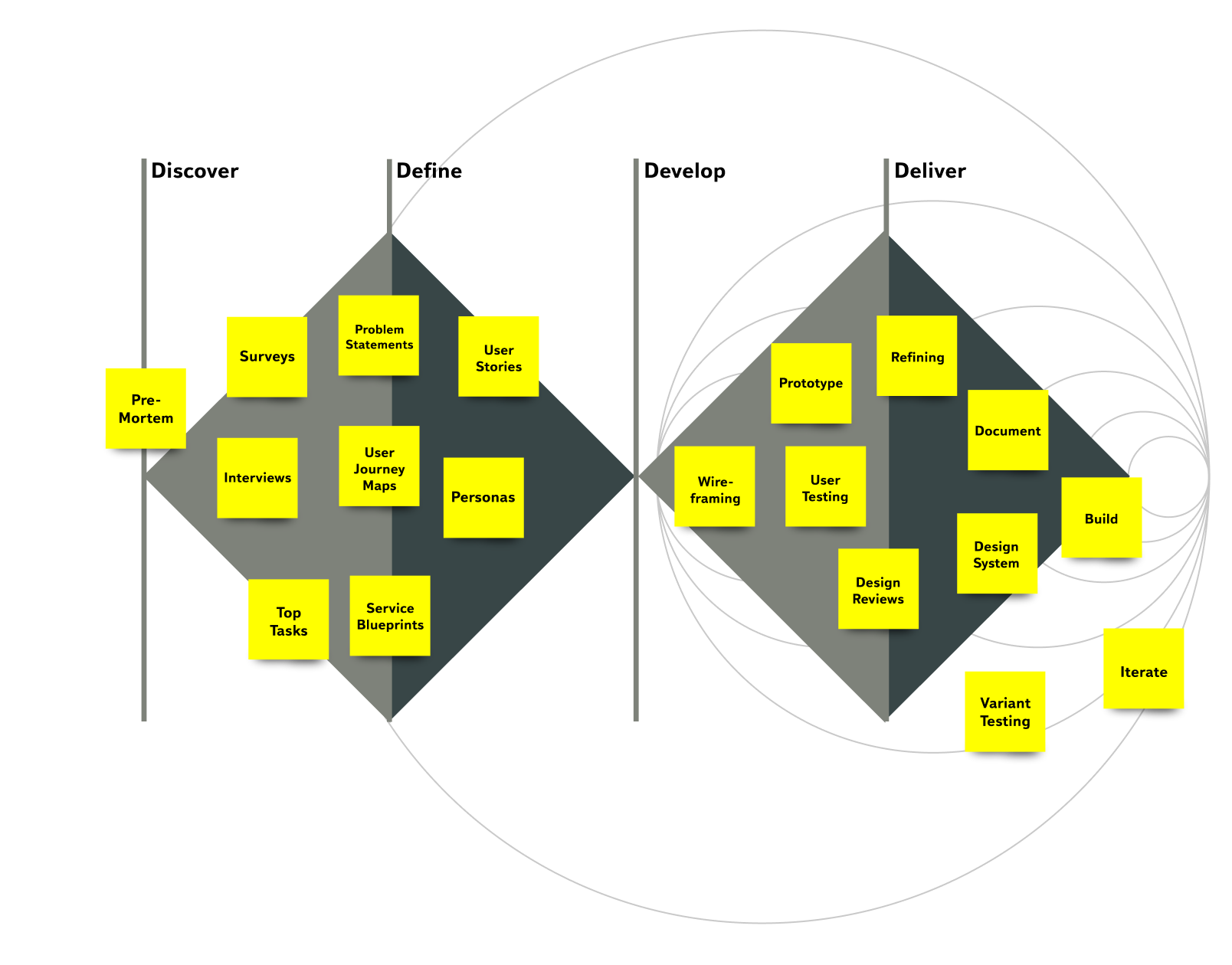
Discovery is focused on understanding the problem that the design will address. Sometimes referred to as the empathise stage, it involves research and exploration to gather information and insights about the problem, the users, the users needs and the context in which the design will be used. The goal is to develop a deep understanding of the design challenge and to identify key opportunities and constraints.
This can be making the process of a current task easier and less frustrating than it is currently, or making a whole new feature that currently doesn’t exist on a product.
Techniques for discovery include (but are not limited) to:
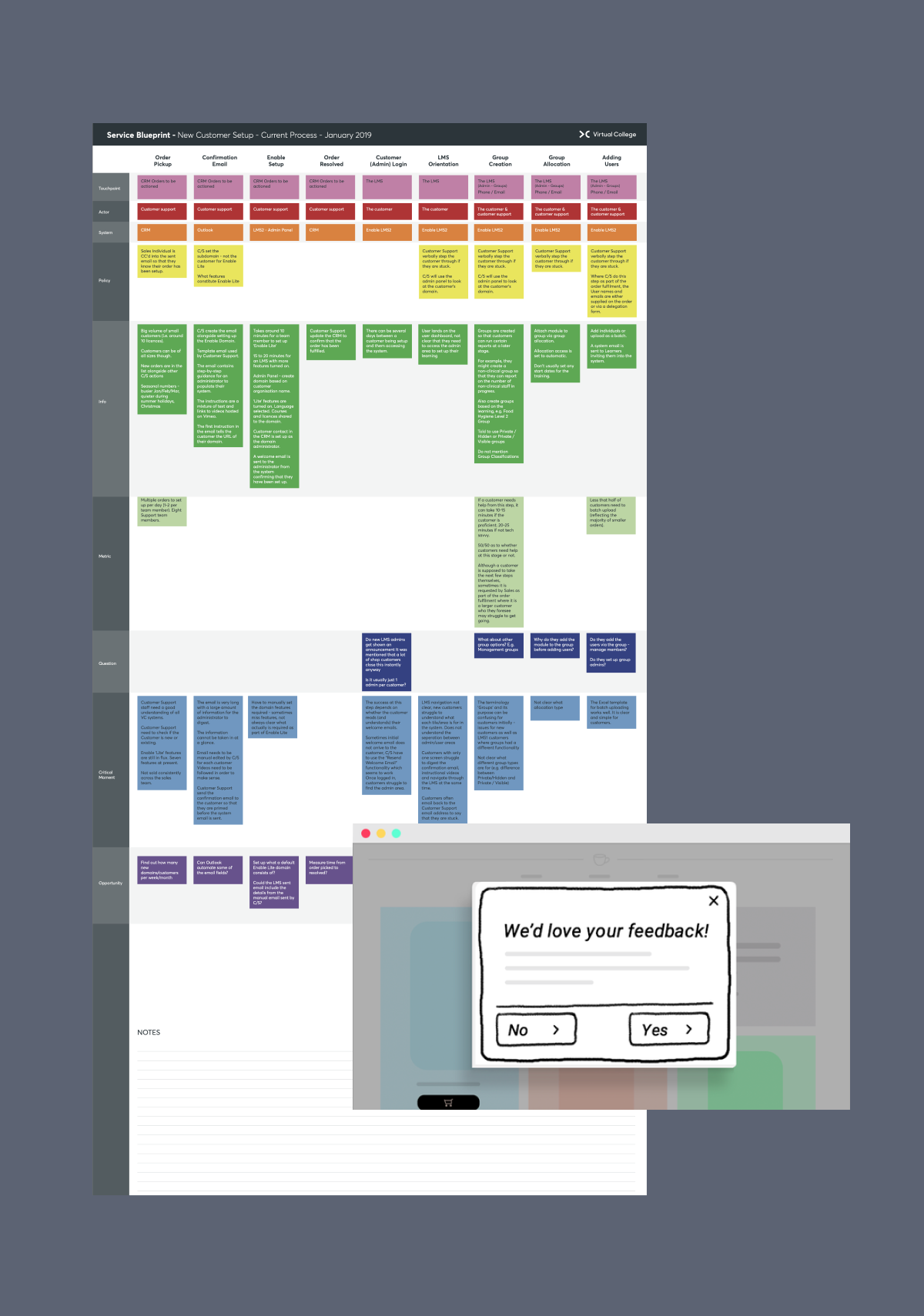
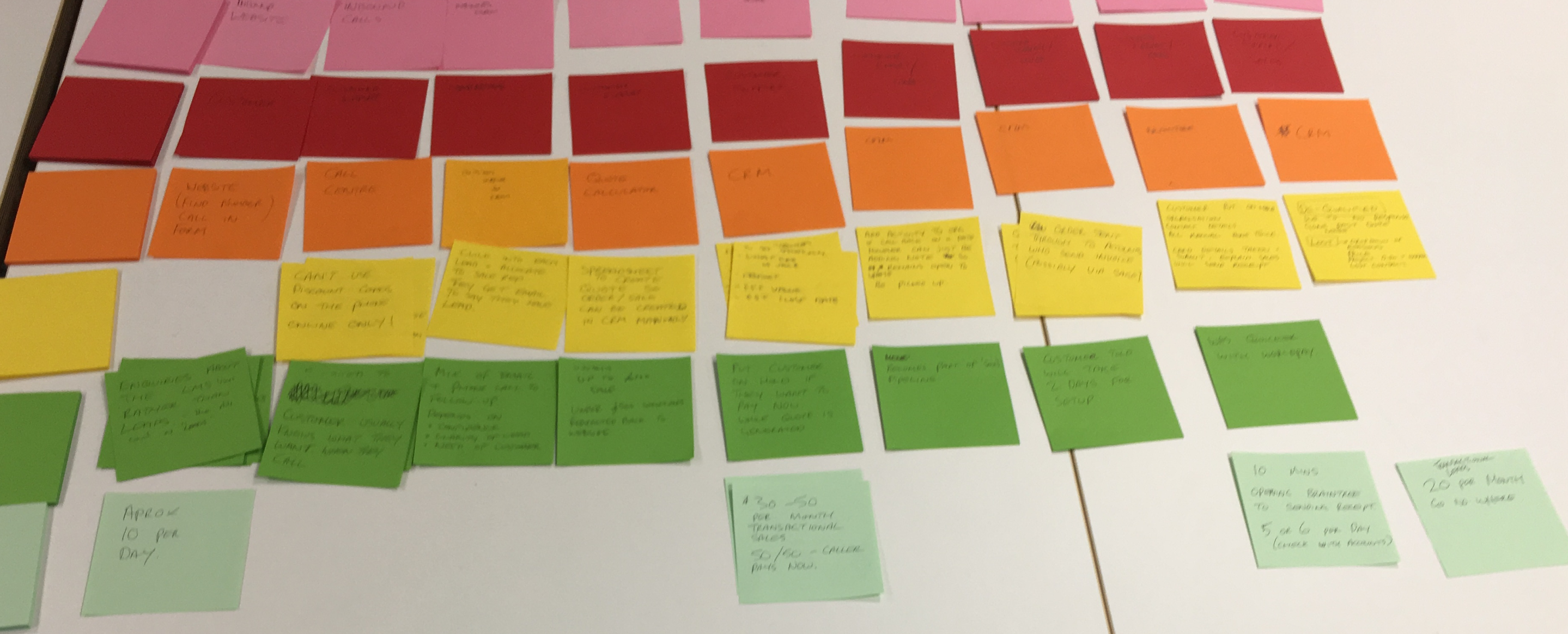
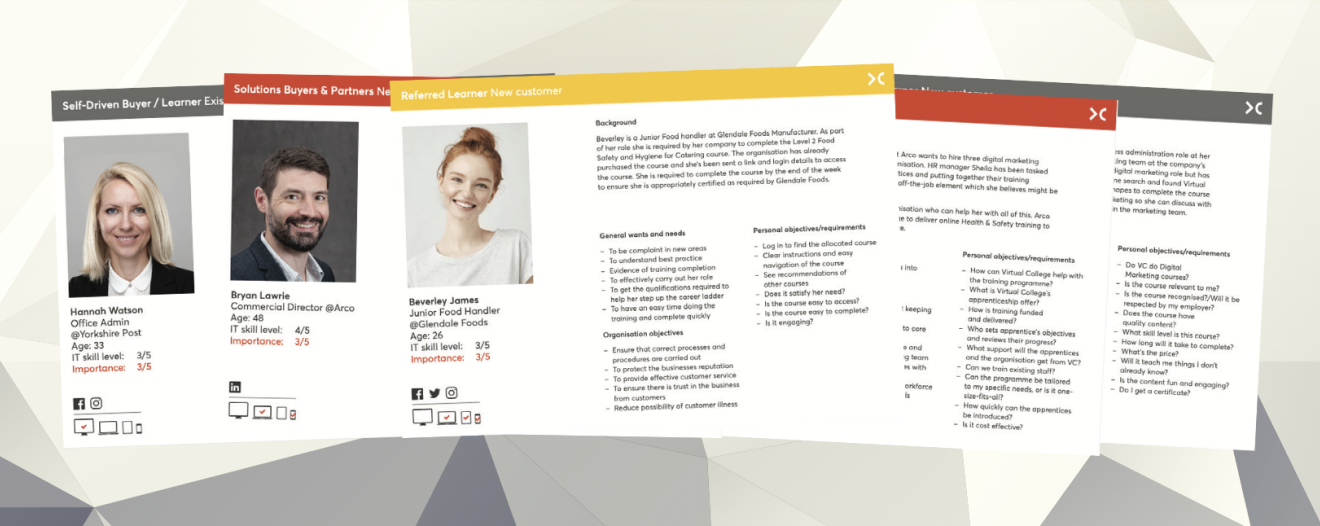
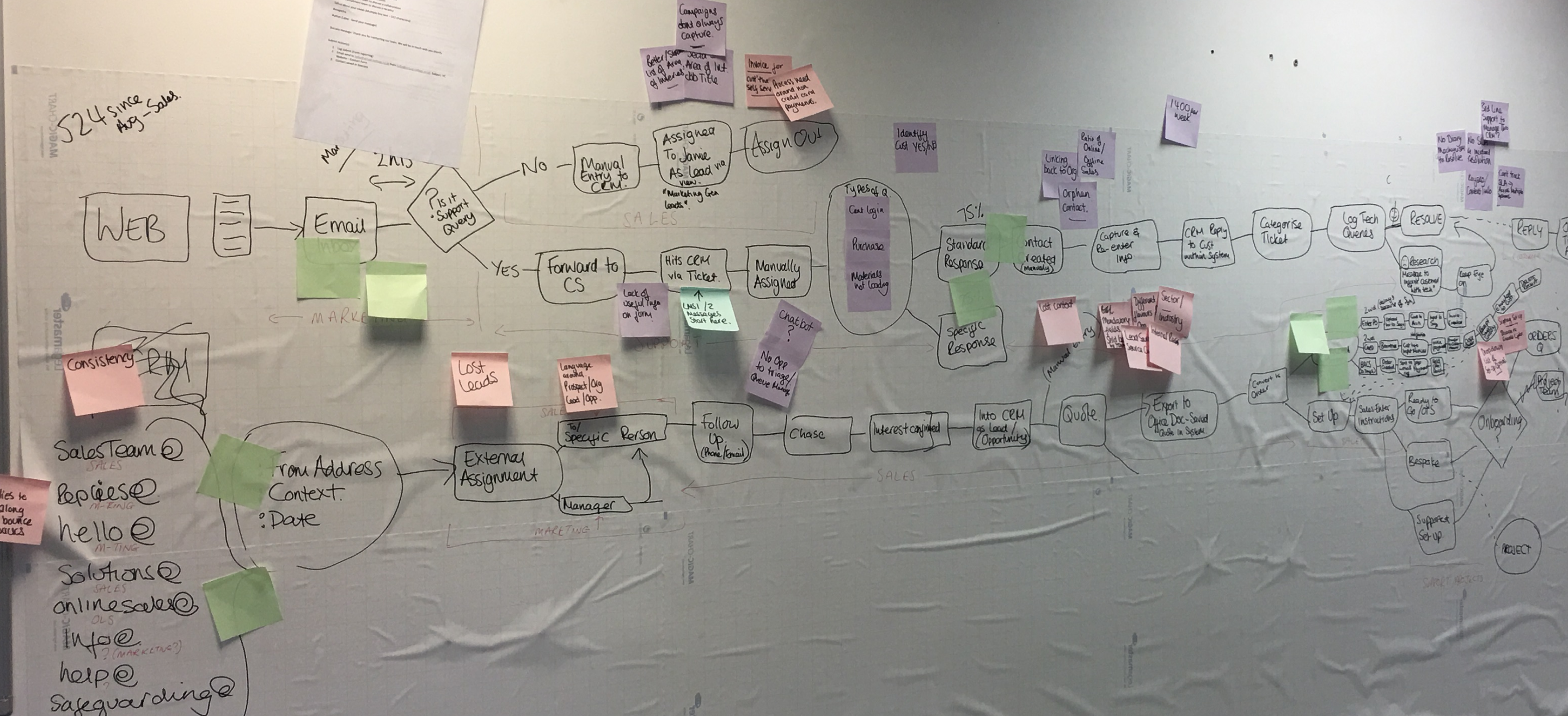
Definition focuses on taking the insights and understanding developed during the discovery phase and distilling them to define the problem and the design brief.
Techniques for definition include (but are not limited) to:
After defining the user goals and objectives the next phase is to quickly provide ideas for possible solutions. How I approach this depends on timeframes, audience and how complicated the design problem at hand is.
If I need to provide ideas very quickly then I will use pen and paper to sketch low fidelity comps. I also find this can often be more than sufficient if there is a good design system/pattern library in place for getting ideas into production quickly.
When more testing is needed then I will build digital wireframes using prototyping software so they can be shared for comment or taken into user testing.
In some cases (or as a project gets closer to completion) I will build a high fidelity static HTML prototypes that look and feel like the final product. These can be useful for validating creative parts of a design such as photography or marketing messages. HTML prototypes can also be quicker when building responsive designs rather than a specific feature for a mobile app.
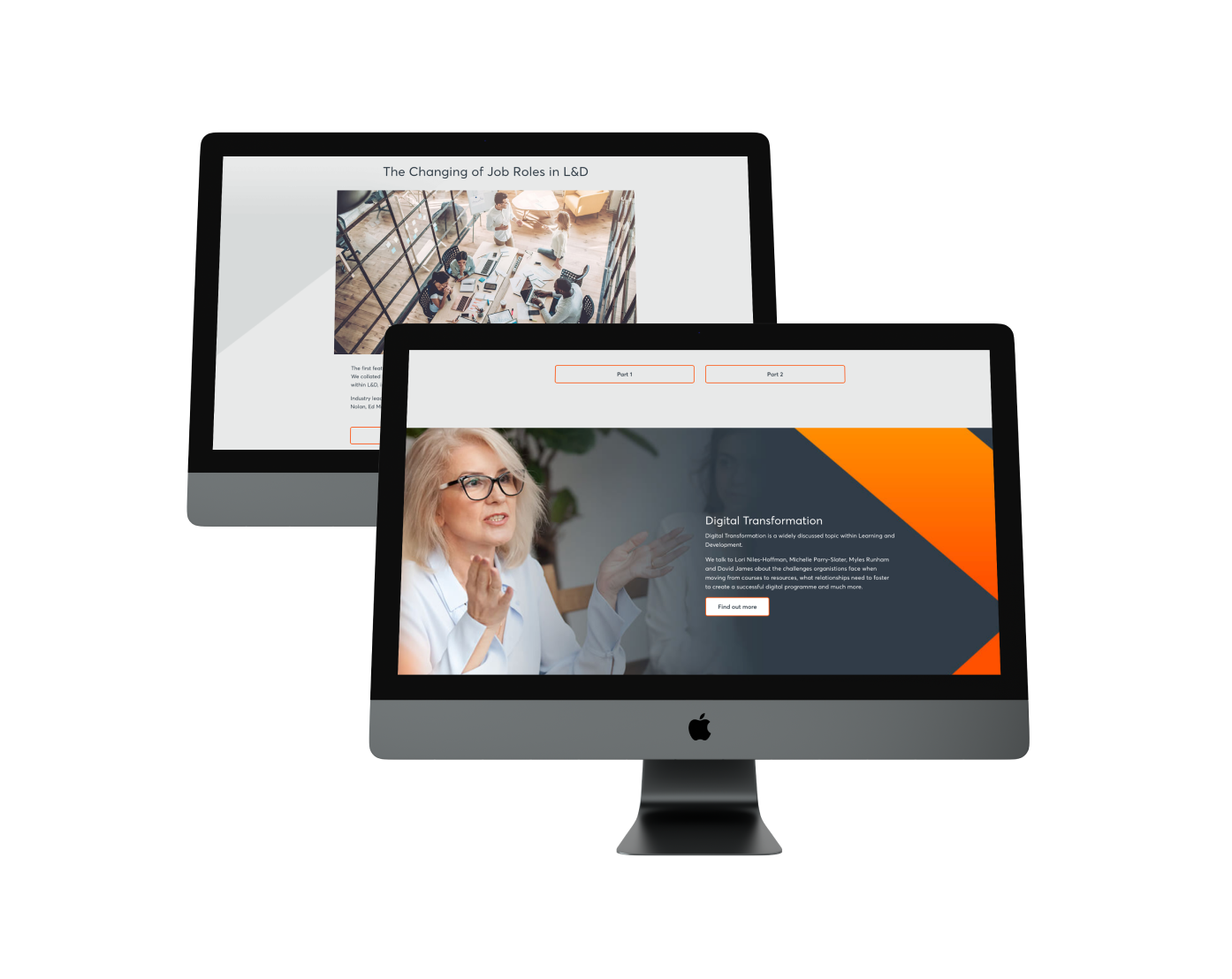
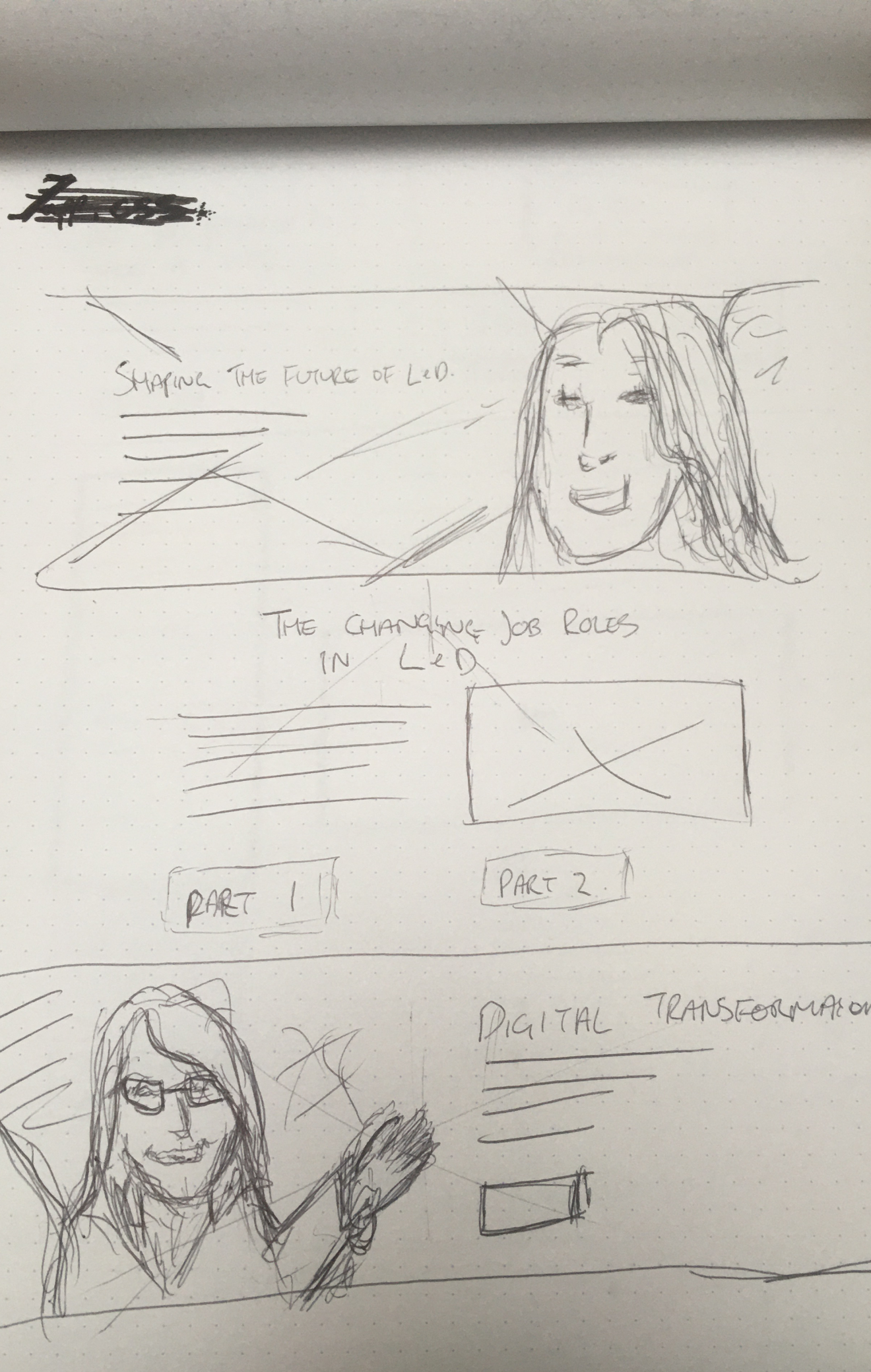
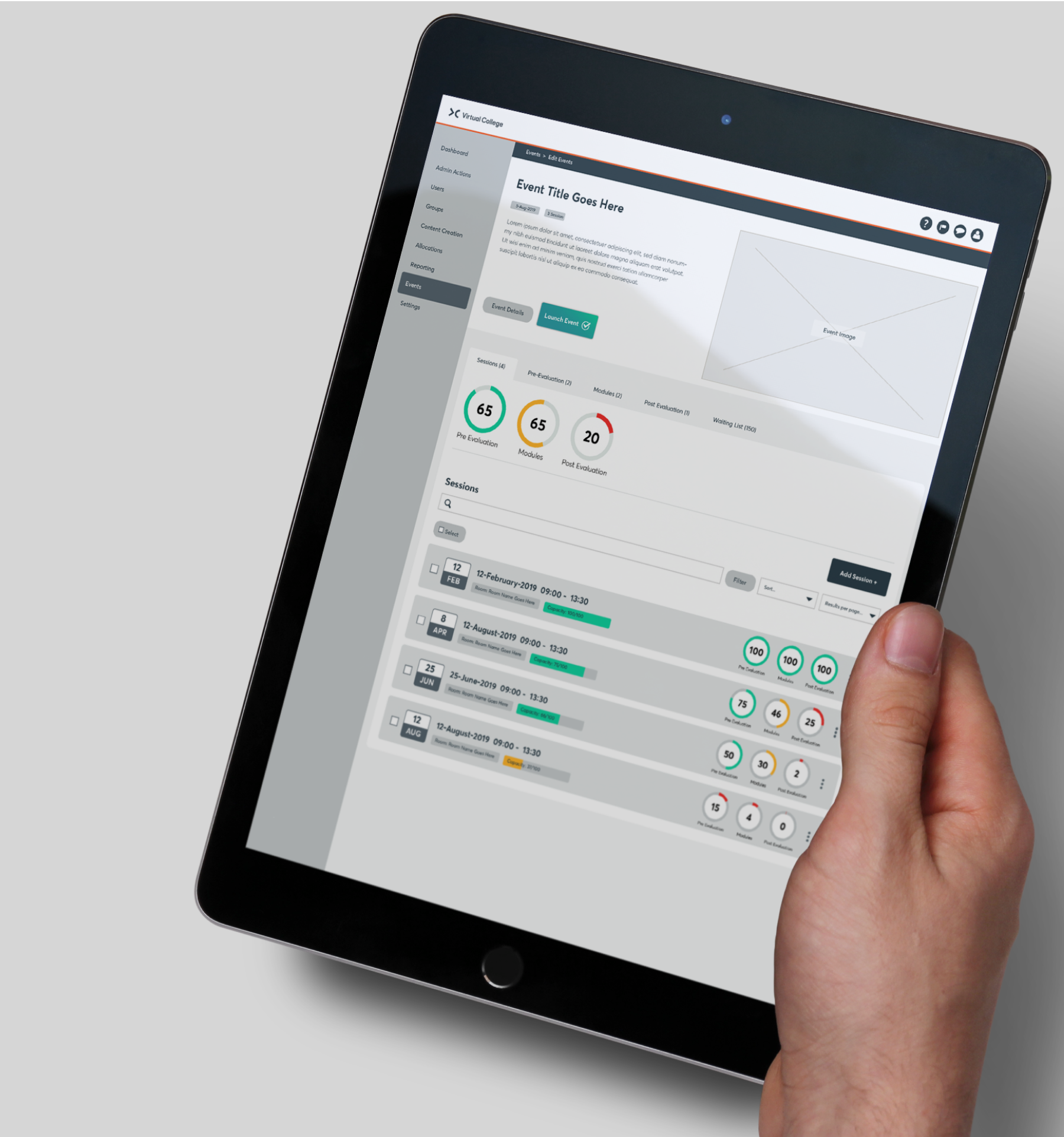
I have found there is no ‘best way’ to prototype and often the approach I take is relevant to the task at hand and more often than not the budget involved.
There are some cases where a high fidelity prototype is required quickly but with very little budget. In cases like these I will use Adobe Illustrator to quickly create a UI design idea and import to Invision or MarvelApp to convert into a prototype that can be shared easily and feedback gathered
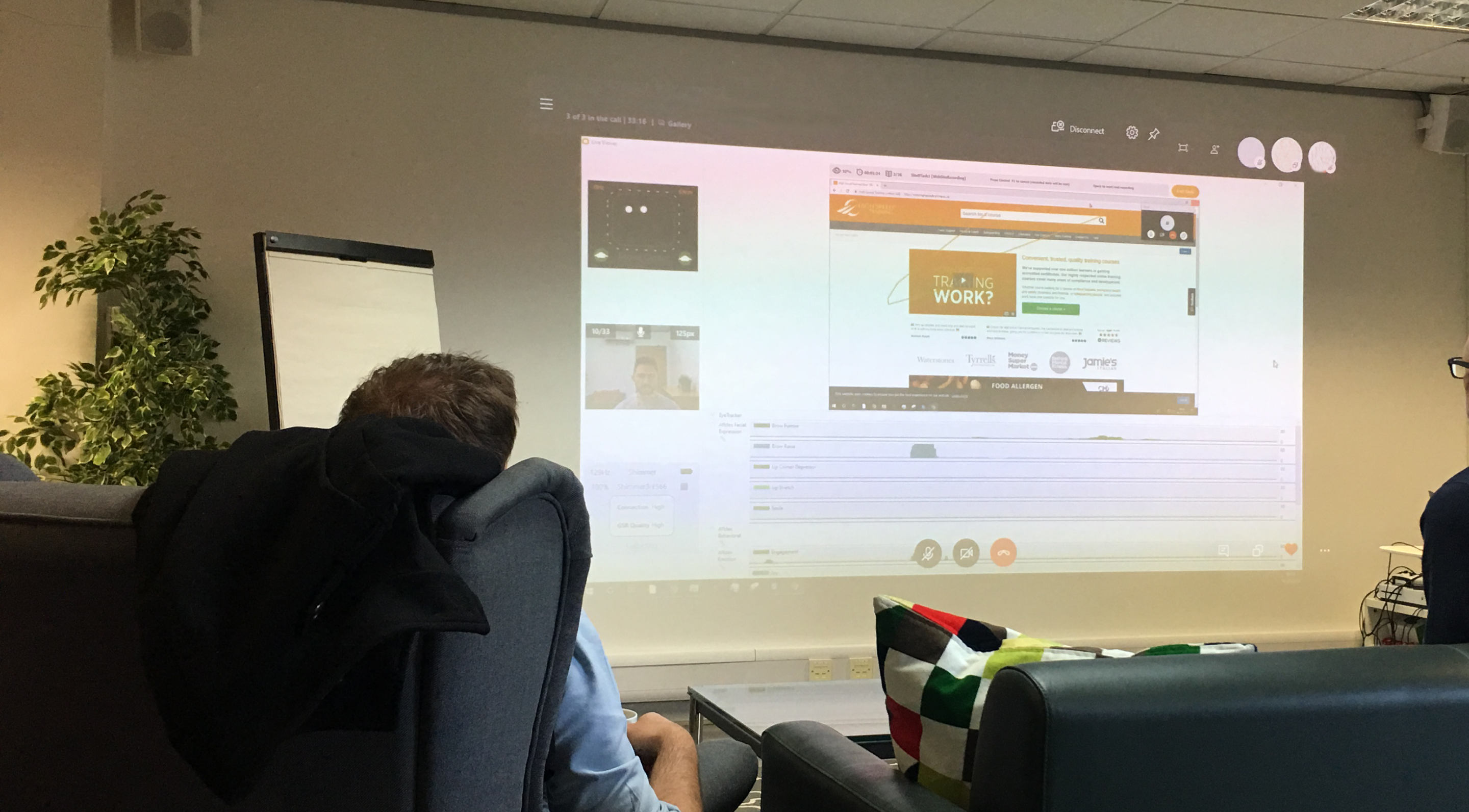
It is vital to validate design ideas and solutions by getting users to test as early as possible in the design process. Again this can take range of approaches that change depending on each project as mentioned above.
I have initiated user testing labs with eye tracking/click tracking software to follow user behaviour but also used in conjunction with biometrics to track sentiment analysis.
Testing labs like this are a brilliant way of making sure that the data you gather is 100% correct when observing users as they work through the tasks they have been set.
If budget is a consideration then watching user sessions via Hotjar can be a very useful tool that makes it easy to filter through different entry and exit points of varying user journeys.
There are also good tools available in Usability Hub. The five second test is a regular go to for quick validation of an idea.
Variant testing is another regular testing method I use via Google Optimize or the tools available via a CMS.
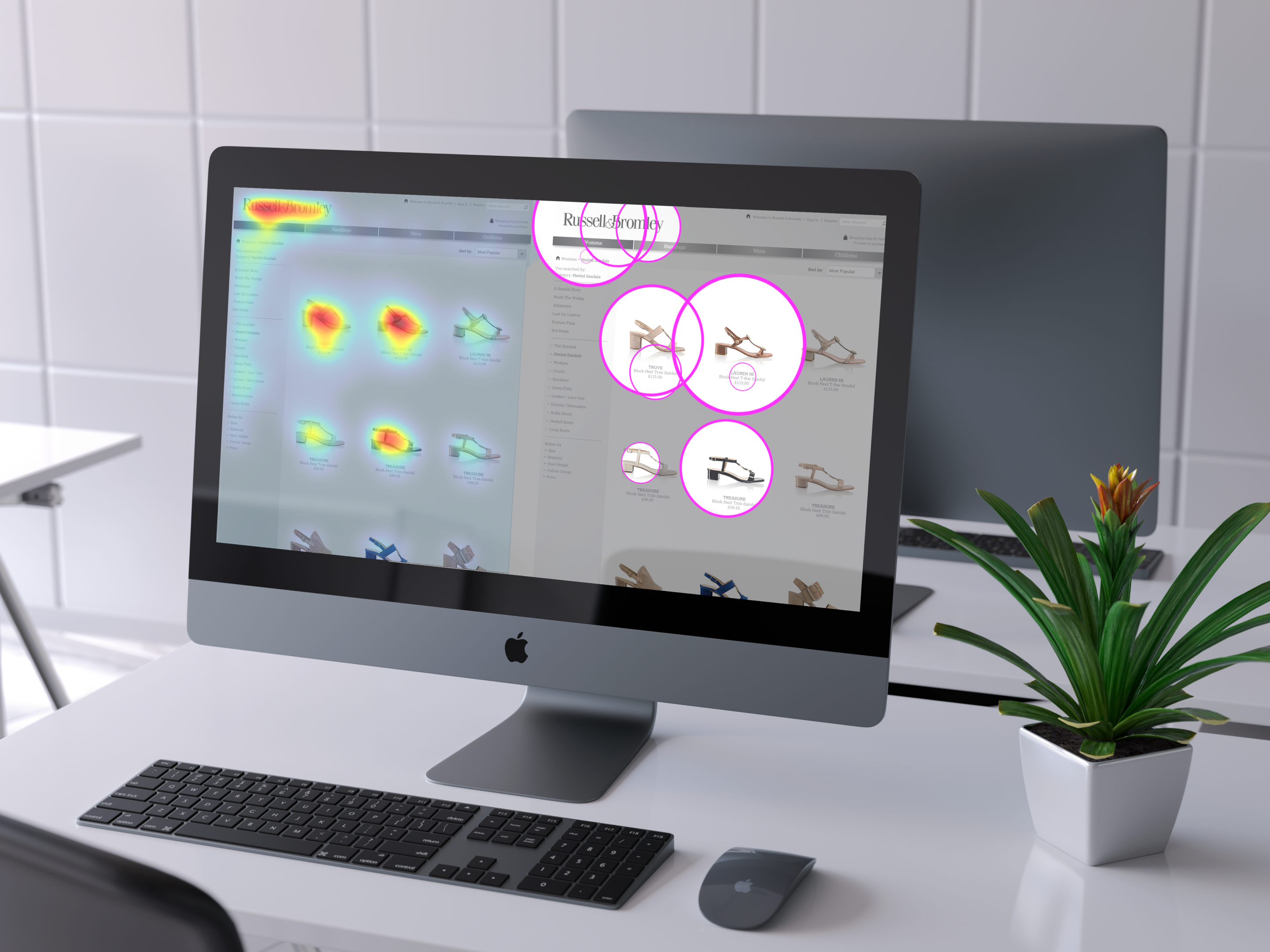
I have used attention analysis software (Eyequant, Hotjar etc) to generate heatmaps and clarity scores, which can be really useful not only for my own vailidation but also if reports need to be produced to show stakeholders why a certain design solution is the best option for the user.
Another method worth mentioning although not striclty user testing is running surveys after a feature has launched to measure customer satisfaction. This is another way I can judge if the design solution / feature has been succesful or if it needs to be considered for refinement.
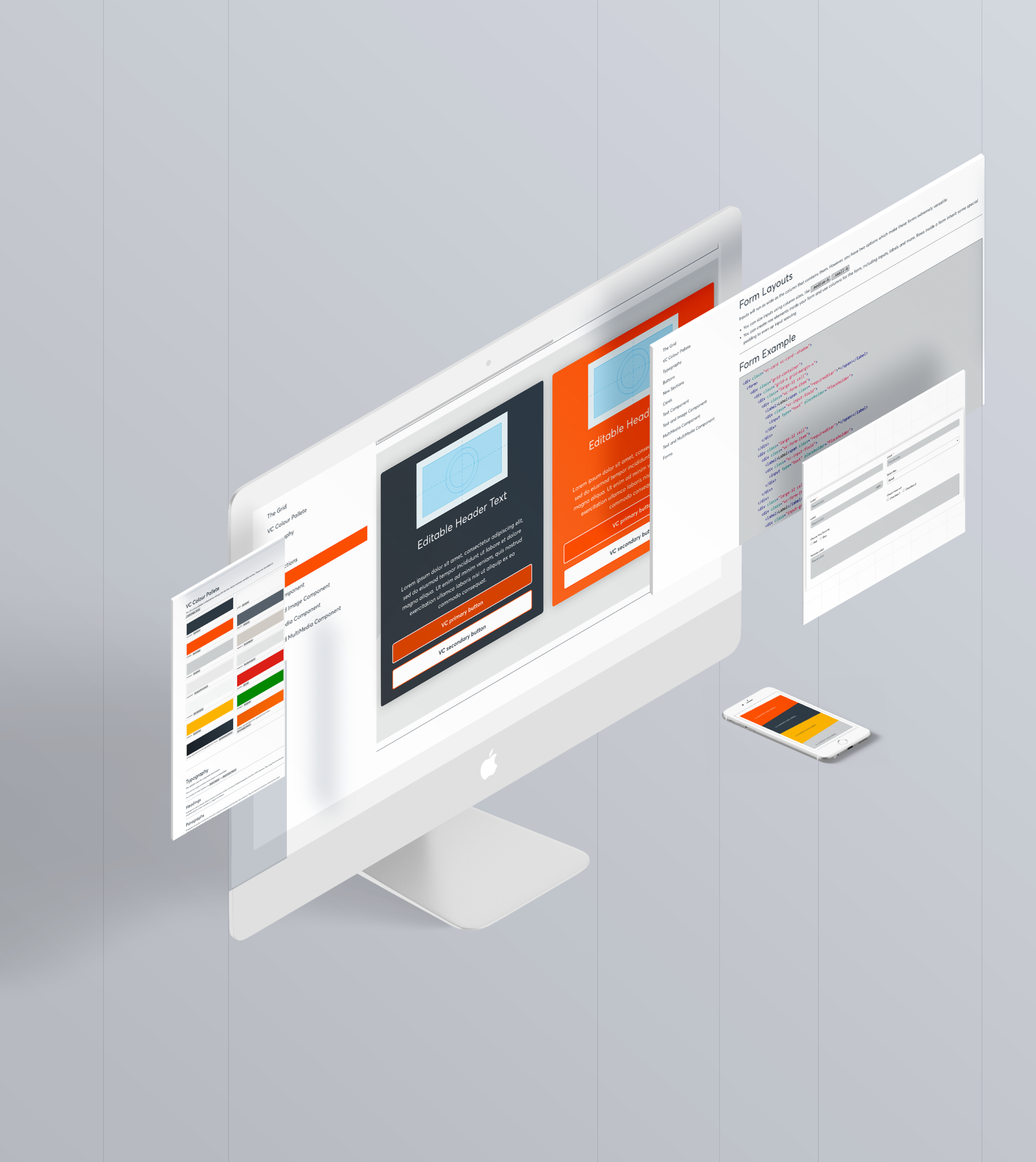
As alluded to earlier pattern libraries and design systems allow a wirefame ideas to be quickly built into either a prototype or a front end production ready design. Along with providing UI design consitency across large teams.
I have built pattern libraries from the ground up as well as optimised legacy design systems that have become bloated over time.